
Reseller guides / Eagle4KPanel.com
Eagle 4K Previous Channel Keeps Spinning: Safe Switching Checks
Published 28 October 2026 · Eagle4KPanel.com · Playback troubleshooting
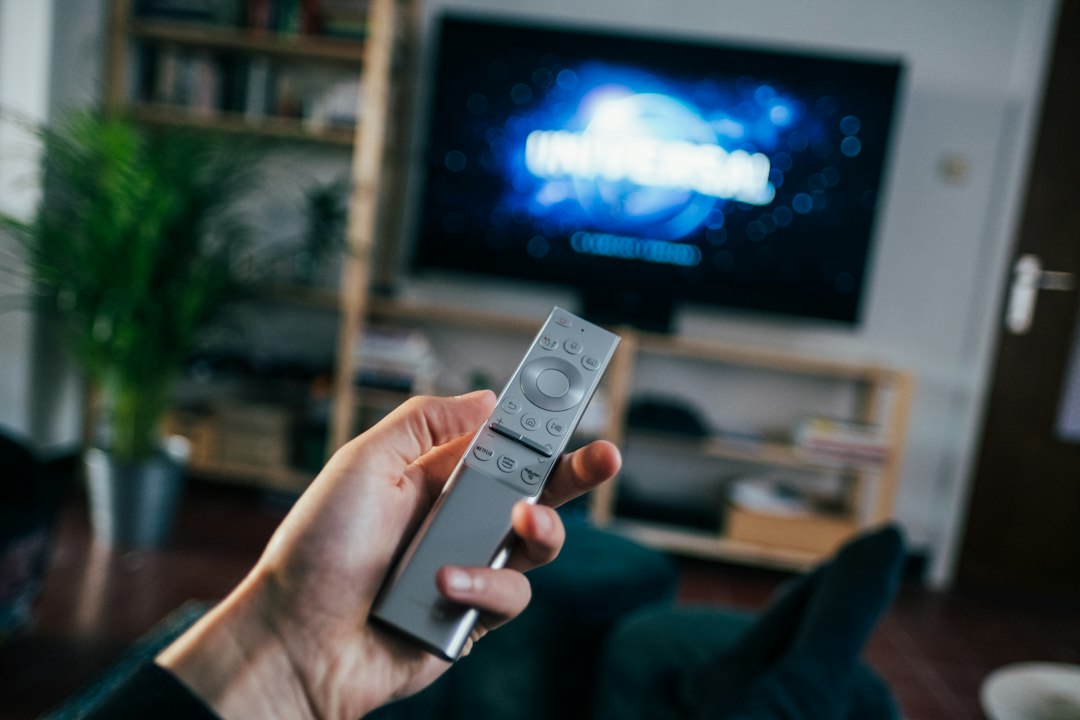
Illustrative photo by Jonas Leupe on Unsplash, used under the Unsplash licence; not a screenshot of the service.
If Eagle 4K plays a channel when selected from the guide but the Previous Channel shortcut only spins, treat the shortcut path as a separate test. Do not immediately replace the customer line, change the panel URL or spend credits. First determine whether the problem follows one channel, one player action or the whole account.
Eagle4KPanel.com sells reseller panels, not retail subscriptions. This guide gives resellers a repeatable incident workflow; it does not claim that the symptom is current, promise a fix, or confirm any specific channel availability.
What the dated Reddit report actually says
A Reddit post dated 27 May 2025 described this narrow pattern: channel B opened, but using a player’s Previous Channel action to return to channel A produced a spinner; choosing channel A directly from the list reportedly worked. The writer named TiviMate. That is one user’s dated observation, not proof of a present Eagle 4K fault or a result on every device.
The useful editorial clue is the difference between two navigation paths. A direct guide selection and a previous-item shortcut may ask the player to perform different state transitions even though the user sees the same destination channel. Android’s official Media3 playlist documentation describes media-item transitions, while its player-events guide shows that players can observe a media-item transition separately from a playback error. These are player-framework facts, not a statement about Eagle’s implementation.
Classify the symptom before changing anything
| Observation | Likely scope to investigate | Safe next check |
|---|---|---|
| Channel A opens from the guide but not through Previous Channel | Player history or transition state | Repeat once after a clean app restart, then compare with Recent Channels. |
| Channel A fails from every navigation path | Channel, source or account path | Test one different channel in the same group and record the exact time. |
| Every channel spins after any switch | Player session, device or network | Reopen the player and test one known working item without changing credentials. |
| Only one device shows the problem | Device/player-specific state | Compare the same permitted action on a second authorised device or player. |
| Two authorised players show the same exact failure | Account or upstream path becomes more plausible | Prepare a redacted evidence bundle for support; do not declare the cause. |
“Likely scope” is not a diagnosis. The table tells you which variable to isolate next. A reseller should preserve the original credentials and account record until evidence shows that a replacement is necessary.
Run a six-step channel-switching test
- Write down the test conditions. Record the date, time zone, device model, operating-system version, player name and player version. For Germany or the USA, also note the viewing region without collecting a customer’s precise address.
- Open channel A from the guide. Wait long enough to confirm stable playback, then note whether video and audio both start.
- Open channel B from the guide. Choose a different channel in the same broad group if possible. Do not jump across many unrelated groups because that introduces extra variables.
- Use Previous Channel once. Record whether channel A returns, spins, displays an error or opens with missing audio/video.
- Select channel A directly again. If it opens from the guide, you have reproduced a navigation-path difference. If it now fails there too, the symptom is broader.
- Restart the player and repeat once. One controlled repetition is useful. Repeatedly hammering the button produces noise and can obscure the first reproducible sequence.
Compare player state without turning it into guesswork
A player can maintain a recent-item list, playback position, decoder state and connection lifecycle. The fact that one shortcut fails does not establish which of those components is responsible. Avoid internet advice that tells you to clear everything, reinstall immediately, or replace the line before you have preserved the evidence.
- Update only from the app’s verified official source; do not use an unknown downloader code.
- Check whether the same symptom appears after a normal player restart.
- If the player offers both Previous Channel and Recent Channels, compare them one at a time.
- Do not change the panel URL, username and password together; that destroys the comparison.
- Do not test more simultaneous devices than the authorised connection limit.
- Never paste credentials into a public forum, screenshot or third-party “checker.”
If the same account works in one player but not another, use the Eagle 4K player-comparison checklist. For a black screen rather than a spinner, follow the black-screen reseller checklist.
Build a useful support bundle
| Include | Example | Exclude |
|---|---|---|
| Exact sequence | Guide A → Guide B → Previous Channel → spinner | “It is broken” without steps. |
| Time and region | 28 Oct 2026, 20:10 CET, Germany | Home address or IP address. |
| Environment | Fire TV model, OS, player and version | Unverified app download links. |
| Scope | One channel, one group or all tested items | Copied channel totals. |
| Redacted visual | Error/spinner with credentials hidden | Username, password, full playlist URL or customer identity. |
| Control result | Direct guide selection works; shortcut fails | Claims about cause without evidence. |
Send the smallest evidence set that reproduces the issue. That helps support distinguish a customer-line incident from a player shortcut issue without exposing private access details. If support requests another test, change only the requested variable and append the result to the same case record.
What not to promise a customer
Do not promise that switching speed, a specific shortcut or a specific channel will always behave identically across players. Do not describe a dated Reddit anecdote as an outage. Do not state that a new line, VPN, DNS change or reinstall will fix the issue unless the evidence and verified support guidance justify that action.
For recurring stalls that also happen during ordinary playback, use the buffering checklist. If the player closes or freezes, the app crash and freeze guide provides a different evidence path.
Frequently asked questions
Does a working guide selection prove the stream is healthy?
It proves that one selection path worked at that time. It does not prove long-term availability or explain why another shortcut failed. Preserve both outcomes.
Should I create a replacement customer line?
Not as a first step. A replacement spends or changes reseller resources and may hide a player-state issue. Isolate the navigation path and contact support with redacted evidence first.
Can I test with a second player?
Yes, if it is obtained from a verified source and the account’s connection limit permits it. Test sequentially and record the exact versions.
Is this a confirmed current Eagle 4K bug?
No. The Reddit post is dated 27 May 2025 and describes one user’s setup. This article converts the recurring question into a diagnostic checklist, not a current status claim.
Current reseller packages and support
The current panel pricing lists Eagle IPTV at 120 credits for €90, 600 credits for €400 and 1200 credits for €730. The separate Eagle 4K offer lists 240 credits for €150, 1200 credits for €700 and 2400 credits for €1300. These are reseller credit packages; do not convert them into monthly or annual retail subscriptions.
For a panel order or a redacted reseller support case, contact WhatsApp +44 7400 751626. State whether the customer uses Eagle IPTV or Eagle 4K, because they are separate offers.
Research note: Checked 28 October 2026. Reddit is used as a dated user anecdote. Android sources explain general player transitions only. No current outage, channel availability, compatibility, first-hand test or guaranteed fix is claimed.