
Reseller guides / Eagle4KPanel.com
Eagle 4K App Crashing on Fire TV or Google TV: Safe Fixes
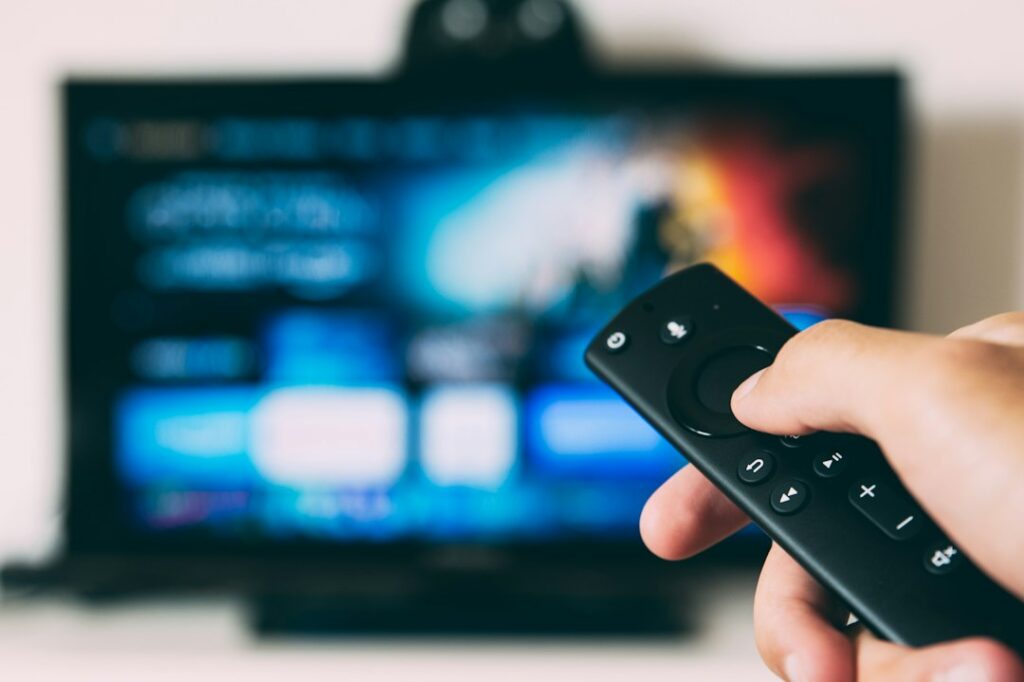
Published 23 October 2026 · Eagle4KPanel.com · Reseller troubleshooting guide
Illustrative photo by Glenn Carstens-Peters on Unsplash, used under the Unsplash licence; not a screenshot of the service.
If an Eagle 4K player closes, freezes or returns to the home screen, preserve the customer’s login before clearing data or reinstalling. First decide whether only the player is failing, every media app is failing or the whole device is unstable. That distinction prevents a reseller from blaming the panel for a device-level problem—or deleting useful settings unnecessarily.
This guide covers player and device troubleshooting. It does not identify an official Eagle app, promise compatibility with a named player or provide download codes. Use the verified player and installation route supplied for the exact panel.
What recent user reports can and cannot tell us
In a TiviMate thread displayed as five months old on 23 October 2026, a Fire TV user described freezes across five devices and said only a power restart recovered playback. Replies proposed force stop, cache clearing, checking for an update or reinstalling. These are unverified experiences involving another app and service; they are not evidence of a current Eagle defect.
A more technical Fire TV Stick 4K Max report displayed as recent on 23 October 2026 claimed a device decoder problem because Netflix and YouTube also stopped playing after the failure. That is still a single user’s diagnosis, but the cross-app symptom is a useful troubleshooting clue: if unrelated apps fail at the same time, investigate the device before the playlist.
Classify the symptom before applying a fix
| Symptom | Likely troubleshooting layer | First low-risk check |
|---|---|---|
| Player closes to the home screen | App crash or OS resource issue | Note the action that triggered it, then reopen once |
| Player UI works but all streams spin | Playback engine, device decoder, network or service | Test one unrelated legitimate video app |
| Only one channel crashes playback | Stream/player compatibility or channel-specific fault | Record the channel, time and device; avoid repeating it many times |
| All apps freeze or stop video | Device OS, storage, decoder or power problem | Full device restart and system update check |
| App will not open after an update | App version, corrupted data or OS compatibility | Confirm source/version; protect credentials before reinstalling |
Start with reversible steps
- Write down the environment. Device model and generation, OS version, free storage, player name/version, exact time and the action immediately before the crash.
- Confirm power and heat. Use the device’s proper power adapter rather than an underpowered TV USB port where the manufacturer requires it. Ensure ventilation is not blocked.
- Force stop the player once. Google’s official crash guide recommends closing a crashing app from Settings. Reopen and repeat one controlled test.
- Restart the device. A restart clears temporary device state. Amazon’s Fire TV guidance recommends restarting when an app crashes or will not load.
- Check updates. Install only official app and system updates. Do not download modified APKs or roll back from random websites.
- Check storage. Record the free space and remove unused legitimate apps or downloads. Do not install “cleaner” utilities that request broad access.
- Clear cache before data. Cache is temporary. Clear data/storage only after confirming you can restore the verified login and any local favourites or settings.
- Reinstall last. Use the verified source, confirm the package identity and keep a recovery path for settings.
Google’s current Google TV crash guidance recommends checking app updates, force stopping the app and contacting its developer if the problem continues. Amazon’s Fire TV app-crash guidance recommends a restart and clearing app cache/data. Follow the menus shown on the device, because names vary by model and OS version.
Cache, data and reinstall are not the same
| Action | Usually removes | Risk to reseller/customer |
|---|---|---|
| Force stop | Current running process | Low; unsaved in-app state may close |
| Clear cache | Temporary files | Low, but it is not a universal repair |
| Clear data/storage | App configuration, local database and saved login | High if credentials or favourites are not recoverable |
| Uninstall/reinstall | App and commonly its local data | High; wrong download source can create a security problem |
| Factory reset device | Accounts, apps and settings on the whole device | Very high; last resort only after manufacturer guidance |
Amazon documents cache and data as separate operations in Manage Installed Applications. A reseller should never tell a customer to clear data casually. Confirm the authorised server, username and other required details can be restored securely—without sending them in public chat or screenshots.
Use the cross-app comparison
Play a short authorised video in a legitimate unrelated app after the failure. If that app also cannot play or crashes, record the shared device symptom. If the unrelated app works and only one player fails, compare player version, decoder settings and the exact stream type with support. Do not toggle multiple decoder, VPN, DNS and buffer settings at once; one-variable changes produce evidence.
If the app interface opens but video is black while audio continues, the issue is not necessarily an app crash. Use the separate playlist loads but channels are black checklist. If playback pauses and resumes instead of the app closing, use the buffering guide.
When an update appears to trigger the problem
Record the exact player and OS versions and when each changed. Check the app’s verified store page and the device manufacturer’s update channel. Google’s slow or laggy device guidance recommends checking both app and system updates. Amazon documents the official Fire TV system-update path.
Do not sideload an older package from a forum simply because a commenter says it worked. Modified packages can steal credentials, and backups made by a newer app version may not restore to an older version. Escalate with version details and wait for the verified developer or device vendor’s resolution where appropriate.
Reseller evidence template
- Customer reference that does not expose username or password.
- Eagle IPTV or Eagle 4K—never just “Eagle.”
- Device brand, model/generation, OS build and available storage.
- Player name, version and verified installation source.
- Exact symptom: closes, freezes, spins, reboots or loses input.
- Scope: one channel, all streams, VOD, live TV or unrelated apps too.
- Time, timezone and whether the crash is repeatable after restart.
- Steps already tried in order, with the result of each.
Frequently asked questions
Will clearing cache delete the Eagle 4K login?
Cache clearing normally targets temporary files, but app behaviour varies. Read the device prompt and confirm credentials are recoverable first. Clearing app data/storage or uninstalling is far more likely to remove the login and local settings.
Is low storage definitely the cause of a crash?
No. It is one measurable factor. Record available storage and follow manufacturer guidance, but do not treat correlation as proof. App defects, OS updates, device decoders, power and a particular media stream can produce similar symptoms.
Should I factory-reset the Fire TV or Google TV?
Only as a last resort after verified manufacturer guidance and a backup plan. A factory reset erases device data. It is disproportionate when only one channel or one app version has a reproducible fault.
Does reinstalling prove the panel is healthy?
No. A successful reinstall only changes the app environment. Panel authentication, catalogue availability and individual stream behaviour remain separate layers.
Protect customer access while troubleshooting
Before clearing data or reinstalling, confirm the verified setup route in the player verification guide. Eagle4KPanel.com sells reseller panels, not retail subscriptions. Review the current Eagle IPTV and Eagle 4K credit packages without translating credits into account durations. For panel-specific help, contact WhatsApp +44 7400 751626.
Research note: Checked 23 October 2026. Reddit links are user anecdotes about TiviMate and Fire TV, not verified Eagle incidents. Google and Amazon sources support only their respective device and app troubleshooting steps. No compatibility, app identity or current service-state claim is made.