
Reseller guides / Eagle4KPanel.com
Eagle 4K Live Sports Delay: How to Measure Latency Without Guesswork
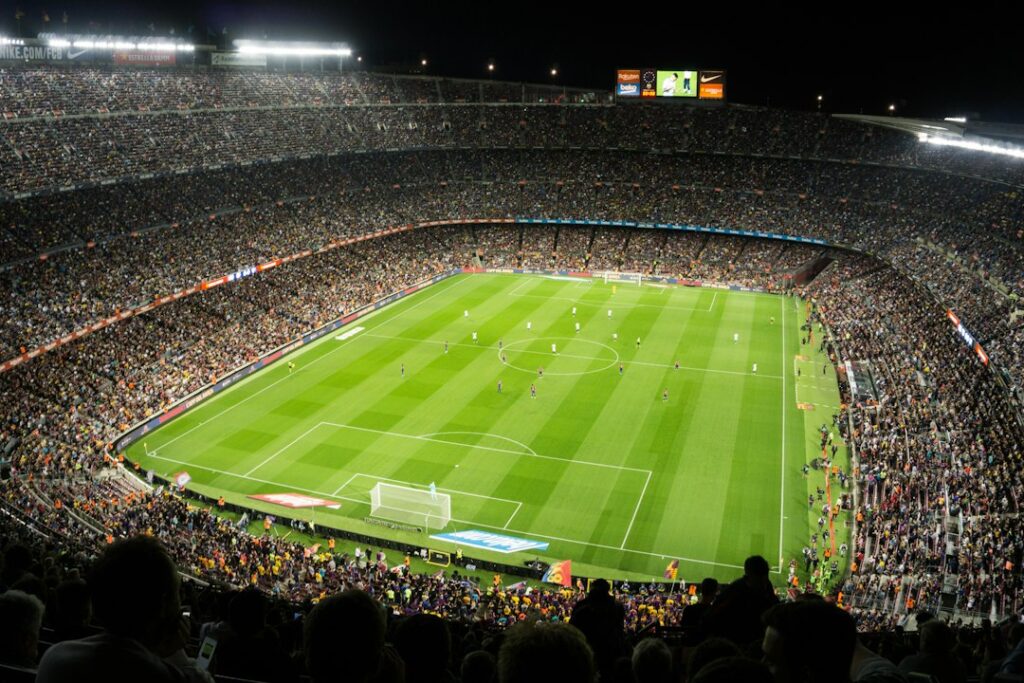
Published 20 October 2026 · Eagle4KPanel.com · Reseller guide
Illustrative photo by Krzysztof Dubiel on Unsplash, used under the Unsplash licence; not a screenshot of the service.
A smooth live stream can still be behind another broadcast. If a goal notification arrives before the action on screen, the question is about delay—not necessarily buffering. For Eagle 4K reseller-panel buyers, separating these symptoms makes both evaluation and customer support more precise.
There is no verified universal delay figure for the current Eagle 4K offer in the evidence reviewed for this article. Latency should be checked on the actual authorised account, channel, device and viewing location. The process below helps you describe the result without turning one observation into a promise for every customer.
Why lower delay deserves its own evaluation
A UK Reddit discussion dated 8 September 2025 compared several services, including Eagle, and included a viewer who preferred lower delay with good picture quality over a sharper feed that arrived much later. Other comments mixed playback, quality and provider recommendations. Those are historical preferences and anecdotes, not controlled measurements or proof of current performance.
The editorial takeaway is that picture quality, continuity and timeliness are separate buying criteria. A reseller should ask which matters most to the intended viewer rather than assuming that a 4K label settles the decision. Seller promotions, private-message offers and unsupported performance claims in the thread are not evidence for our recommendations.
Delay, buffering and catch-up are different symptoms
| Observation | What it means for the investigation | First question |
|---|---|---|
| Picture runs smoothly but is behind another feed | Relative delay between two viewing paths. | Are both showing the same event and moment? |
| Picture repeatedly stops or spins | Playback interruption or buffering. | Does the interruption happen on other channels too? |
| Viewer is watching an earlier programme | Replay, catch-up or a position behind the live point may be selected. | Is this the live entry rather than a replay? |
| Only audio and picture disagree | Audio/video synchronisation problem. | Is the whole programme late, or only one track? |
If the main symptom is repeated interruptions, begin with the Eagle 4K live-sports buffering guide. If the viewer intentionally started an earlier programme, see the catch-up and recording guide. Mixing these cases produces misleading “latency fixes.”
What player documentation can—and cannot—tell us
Google’s Media3 live-streaming documentation, updated 8 September 2026, describes a live offset for adaptive streams: the distance between current real time and the playback position. It also explains that a player can target an offset and adjust playback speed as network conditions change. After rebuffers, its low-latency playback logic may move farther from the live edge.
That explains why a player can trade proximity to live for more stable playback. It does not establish which playback engine Eagle uses, what protocol a particular channel supplies, or whether a consumer app exposes equivalent controls. The documentation explicitly distinguishes adaptive live streams from progressive live streams; do not apply every setting to every input format.
Apple’s WWDC20 Low-Latency HLS presentation describes protocol extensions and server/CDN requirements for low-latency delivery. It is technical background, not an Eagle performance specification. Installing an app with “low latency” in its description is not evidence that the complete source-to-screen path supports that delivery mode.
Run a fair relative-delay comparison
1. Define the comparison before watching
Choose the exact event and corresponding channel editions. Record the date, local time with time zone, country, app version, device and network connection. A German regional feed and a US feed of the same event may not be the same production. Prefer a clearly identifiable moment in the action rather than comparing unrelated studio sequences or differently timed advertisements.
2. Use an appropriate reference
Use another broadcast or streaming source you are authorised to access, and label it as the reference—not as absolute real time. That reference also has its own delay. A score notification is a poor stopwatch because its delivery path is different and may vary. If you cannot observe the same moment reliably on both screens, record the comparison as inconclusive.
3. Confirm both players are actually live
Check whether either player was paused, resumed from history or opened through catch-up. If the app has a documented return-to-live control, use it before measuring. Do not assume a channel carrying a “live” label is playing at the newest available position after a pause. Note any action used to return to live so another person can repeat the test.
4. Record several observations, not one impression
For each observation, note which screen shows a recognisable event first and the approximate gap before it appears on the other. Repeat during the same session and at another relevant viewing time. Keep freezes, channel changes and network changes in the log. Describe the observed range rather than selecting only the smallest result.
A useful blank record contains: event and edition; reference source; device and app; location; observation time; approximate relative gap; interruptions; and settings changed. Mark any estimate as approximate. Do not present the resulting gap as camera-to-screen latency because the method measures one viewing path against another.
Change one variable, then retest
- Return to the documented live position before changing advanced settings.
- Keep the same event and channel edition when comparing player settings.
- If the app exposes a buffer or live-delay control, record its default and make only a small, reversible change.
- Observe both the relative delay and playback interruptions; a smaller gap with repeated freezes may be worse for the viewer.
- Restore the previous setting if the result is unstable or inconclusive.
- Respect the account’s authorised simultaneous-connection limit when planning comparisons.
Do not promise that a faster internet package, a different VPN or a lower-resolution label will remove the delay. A local change cannot be credited with an improvement unless the comparison actually supports it. If the relative gap stays similar across controlled local tests, send the evidence to support instead of cycling through increasingly disruptive changes.
Turn the results into honest reseller expectations
For customers in Germany and elsewhere in Europe, record the intended local viewing period. For US customers, record the relevant US time zone instead of writing only “evening.” Repeat checks when the customer is likely to watch. A successful observation at one location or time should not be advertised as a universal result.
Separate confirmed observations from open questions in onboarding notes. For example: “Relative delay was checked on this device during this event; other channels and locations were not tested.” Avoid fabricated guarantees such as zero delay or a fixed maximum. Also assess picture clarity and interruptions separately; a timing comparison does not validate resolution.
Frequently asked questions
Can changing the programme-guide time offset reduce video delay?
Do not treat guide display timing as a video-latency control. If programme listings are shifted, investigate the EPG issue separately. For delayed action on screen, check the playback position and compare the actual event.
Does choosing an HD entry guarantee less delay than 4K?
No conclusion follows from the label alone. Compare the exact entries under the same conditions. This guide does not claim that any current Eagle entry has a specific resolution or delay.
Can support guarantee the same result in another country?
A test from one viewing path does not establish another path’s performance. Send the customer’s location, device, time and exact observation so support can assess the relevant case.
Keep the commercial offer separate from the timing test
Eagle4KPanel.com sells reseller panels, not retail subscriptions. Eagle IPTV and Eagle 4K are separate offers. Check the current panel packages, then ask about the applicable evaluation and support process on WhatsApp +44 7400 751626. Credits should not be interpreted here as a monthly or annual subscription duration.
Research checked 20 October 2026. This article provides a measurement workflow; no first-hand Eagle latency benchmark was performed. The Reddit discussion is historical and the technical references describe general streaming behaviour.