
Reseller guides / Eagle4KPanel.com
Eagle 4K on Apple TV and iPhone: A Reseller Setup Checklist
Published 30 October 2026 · Eagle4KPanel.com · Apple device workflow
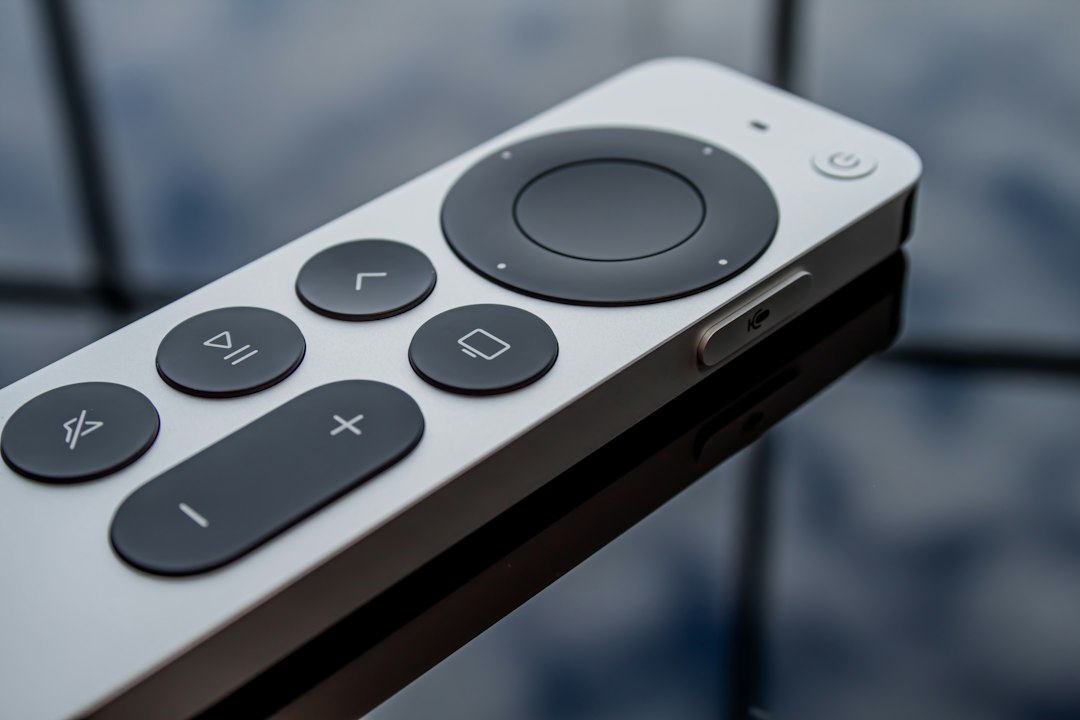
Illustrative photo by James Yarema on Unsplash, used under the Unsplash licence; not a screenshot of the service.
Apple TV and iPhone users need a verified App Store player, the correct Eagle login method and a controlled device test—not a copied download code or an assumption that one app behaves identically on tvOS and iOS. Resellers should document the device model, software version, player version and connection policy before onboarding.
Eagle4KPanel.com sells reseller panels, not retail subscriptions. Eagle IPTV and Eagle 4K are separate offers. This guide does not endorse a third-party player or claim current compatibility with any app, Apple model, codec or AirPlay workflow.
What the dated discussions actually show
A 14 December 2024 Eagle 4K discussion included an Apple-device user comparing players during a trial. A 11 February 2025 Eagle troubleshooting thread described the same no-playback result on Fire TV and an iPhone across several players, while another provider worked on those devices.
A 5 April 2025 Apple TV thread contained conflicting app opinions, including reports of bugs and recommendations for alternatives. A 27 May 2025 multi-device question showed why “one app everywhere” can be an unrealistic requirement. These are individual reports, not a current Apple or Eagle compatibility list.
Separate the Apple device from the player and the line
| Layer | Question to record | What not to assume |
|---|---|---|
| Apple TV hardware/tvOS | Exact model and tvOS version; Wi-Fi or Ethernet. | That every Apple TV generation exposes the same App Store apps or decoding behaviour. |
| iPhone/iPad | Device model, iOS/iPadOS version and local-network permission. | That an iPhone result proves Apple TV playback or television output. |
| Third-party player | Developer, App Store listing, version and supported login method. | That a similar app name or logo proves the publisher. |
| Eagle line | Eagle IPTV or separate Eagle 4K, authorised login format and connection rules. | That installing on several devices permits simultaneous streams. |
| Network/display path | Home network, AirPlay or direct HDMI/TV output. | That casting and native Apple TV playback use the same path. |
Verify the App Store listing before entering access data
Apple’s official Apple TV App Store guide says an app page shows details including the developer, ratings, accessibility features and privacy information. Apple’s App Store privacy explanation adds that privacy labels are supplied for app product pages and that a developer’s privacy policy may contain more detail.
- Search in the App Store on the target device. Do not rely on a downloader code intended for another platform.
- Confirm the developer name and product page. Similar names, screenshots or icons are not identity proof.
- Read the privacy information. A player handles server addresses and may process login data; understand what the developer says it collects.
- Check the supported device and OS. Availability on iPhone does not guarantee a tvOS version.
- Record the version you tested. App behaviour can change after updates, so a result needs a date.
- Use the player verification checklist before entering credentials.
Use the correct login method
Ask the verified panel contact whether the authorised line is provided as M3U, Xtream-style credentials or another supported method. Do not transform one format from an untrusted website or post the server address publicly. The Eagle 4K login-method guide explains the distinctions without inventing a universal setup.
| Setup result | Next controlled check | Evidence for support |
|---|---|---|
| Playlist imports but live channels do not open | Try one named live channel and one VOD item, then compare a second authorised player sequentially. | Time, device, player version, content type and exact error text. |
| App works on iPhone but not Apple TV | Check the tvOS app version, network path and login entered on Apple TV. | Both device/OS versions and whether the same line was used sequentially. |
| AirPlay target is missing | Confirm both devices are updated, nearby and on the same Wi-Fi. | Network names, software versions and whether native Apple TV playback works. |
| Only one player fails | Keep the line unchanged and compare player settings, decoder and cache. | Player versions and one reproducible channel test. |
| Second stream interrupts the first | Stop simultaneous testing and confirm the line’s connection policy. | Start/stop timestamps; never infer extra connections from device count. |
Check Apple permissions and updates deliberately
Apple states that iPhone and iPad apps requesting direct access to local-network devices must ask permission. Its local-network privacy guide explains that this access can be reviewed under Settings → Privacy & Security → Local Network. Denying access does not necessarily block ordinary internet access, but it can matter when an app searches for a nearby display.
For AirPlay troubleshooting, Apple’s official checklist says the devices should be updated, nearby and on the same Wi-Fi network. Apple also documents manual app updates for Apple TV and iPhone. These Apple facts do not prove that a third-party IPTV player supports AirPlay or a particular stream.
- Update the player from its genuine App Store page; do not reinstall first if credentials are not safely documented.
- Update iOS/tvOS when appropriate and record the version before and after the change.
- Review Local Network permission only if the player needs to discover a display or device.
- Test native playback before AirPlay so the cast path does not hide the original symptom.
- Use Ethernet on compatible Apple TV hardware as a controlled network comparison when practical.
- Restart one device at a time and keep the line, channel and test window unchanged.
Build a small Apple onboarding record
- Panel offer: Eagle IPTV or the separate Eagle 4K panel.
- Device: Apple TV model, iPhone or iPad model, plus OS version.
- Player: exact App Store name, developer and installed version.
- Login method supplied through the verified route.
- Connection policy and whether testing is sequential.
- Must-have functions: live TV, VOD, EPG, subtitles, AirPlay or direct playback.
- One known-good control channel and one representative high-motion channel.
- Date of the check and any unresolved limitations.
If a line works in one player but not another, follow the player comparison checklist. If the customer installs the same line on several devices, use the devices versus simultaneous connections guide before promising multiview.
Frequently asked questions
Which Apple TV app is best for Eagle 4K?
There is no verified universal answer here. App availability, device generation, login method and player updates change. Compare genuine App Store listings on the exact device and run a controlled test.
Does an iPhone player prove Apple TV compatibility?
No. iOS and tvOS versions, app builds, decoding and network paths can differ. Record the two results separately.
Should I give customers a downloader code?
Not for Apple App Store setup. Direct customers to the verified App Store product page and confirm the developer identity before entering access details.
Can AirPlay fix a player that does not open a stream?
AirPlay adds another path; it does not repair an upstream line or unsupported format. First verify native playback, then test AirPlay separately.
Current reseller packages and verified contact
The current pricing section lists Eagle IPTV at 120 credits for €90, 600 credits for €400 and 1200 credits for €730. Eagle 4K is separate at 240 credits for €150, 1200 credits for €700 and 2400 credits for €1300. Do not convert these reseller credits into monthly or annual subscriptions.
For current panel and login-method questions, contact WhatsApp +44 7400 751626. Do not include passwords or credential-bearing playlist URLs in the initial enquiry.
Research note: Checked 30 October 2026. Reddit links are dated user anecdotes and app opinions. Apple sources support App Store, privacy, update and AirPlay procedures only. No present player endorsement, compatibility, channel availability or simultaneous-connection allowance is claimed.