
Reseller guides / Eagle4KPanel.com
Eagle 4K External EPG Editor: Mapping, Time Zones and Safe Updates
Published 30 October 2026 · Eagle4KPanel.com · External EPG workflow
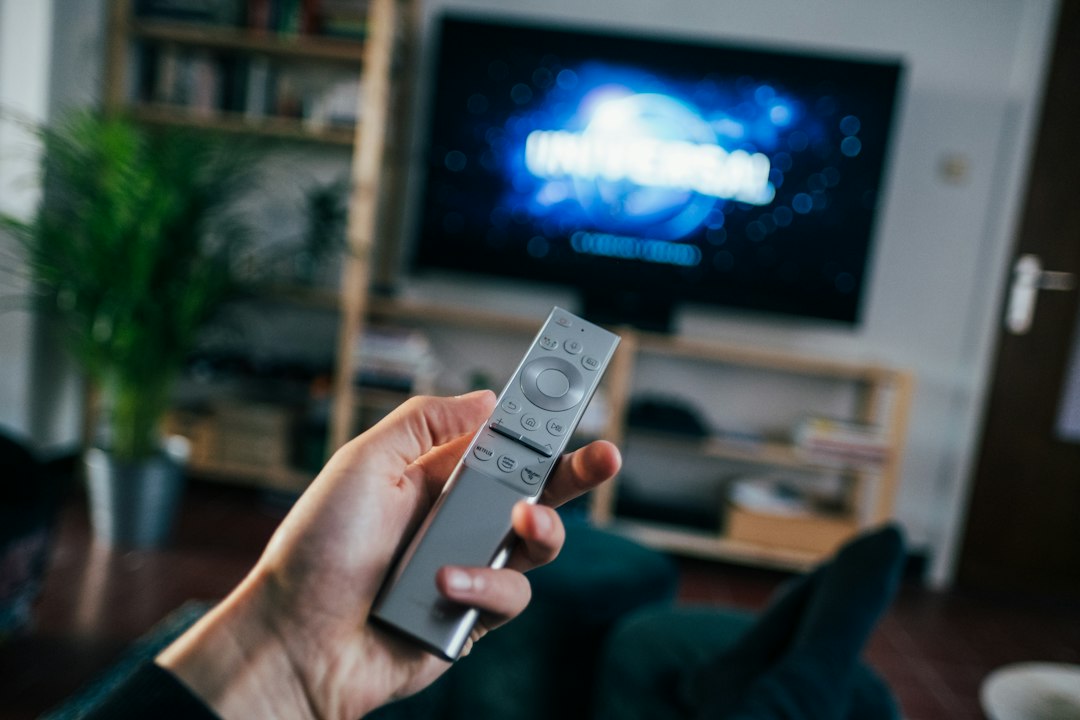
Illustrative photo by Jonas Leupe on Unsplash, used under the Unsplash licence; not a screenshot of the service.
An external EPG editor can make an Eagle playlist easier to navigate, but it adds a second data layer that must be mapped, dated and protected. Resellers should pilot a small channel set, keep the original source recoverable and verify time-zone behaviour before rolling a custom guide out to customers.
Eagle4KPanel.com sells reseller panels, not retail subscriptions. Eagle IPTV and Eagle 4K are separate offers. This article does not claim that either panel includes a particular editor integration, automatic refresh method or current EPG coverage.
Why this question keeps appearing in Reddit discussions
A 15 January 2025 Eagle 4K discussion asked how to handle a very large category list and whether custom EPG work requires manual curation. A 12 March 2025 Eagle discussion described manually mapped guide data that still appeared inaccurate.
A broader 4 January 2025 EPG thread included one user describing a significant initial mapping effort, while an 8 March 2025 reseller-panel thread asked whether an editor has to be uploaded into a panel continuously. These are dated user anecdotes and questions, not verified instructions for the current Eagle dashboard.
Understand the three separate layers
| Layer | What it contains | What a change can affect |
|---|---|---|
| Panel or playlist source | Authorised line details, groups and stream entries supplied for the account. | A source-side rename, removal or credential change can make an old editor import stale. |
| External editor | Selected groups, renamed channels, logos and XMLTV mappings. | A wrong match can display another station’s programme data even when playback is fine. |
| Player on the customer device | The edited playlist/EPG URLs, cache, time-zone display and refresh schedule. | A stale cache or device clock can make correct upstream data look wrong. |
Do not troubleshoot all three layers at once. First prove that the original authorised source still loads. Then inspect the editor output. Finally refresh one player and compare it with a clean control device. The basic Eagle 4K EPG checklist covers player-side guide failures; this guide focuses on the additional editor layer.
Map by stable identifiers, not by a similar display name
The XMLTV project’s format overview describes listings as channels plus programme entries. Its maintained DTD requires each programme to reference a channel identifier and include a start time. That relationship explains why two stations with similar names are not interchangeable.
- Keep the source name visible during mapping. A shortened label may hide a city, region, east/west feed or language.
- Match one exact station at a time. Check the market, call sign or regional broadcaster—not only the network logo.
- Use a real programme as a control. Compare the current title and the next scheduled programme against an authoritative schedule.
- Record manual overrides. A later automatic match should not silently replace a deliberate regional mapping.
- Leave uncertain entries unmapped. A blank guide is more honest than confidently displaying the wrong schedule.
Treat time zones and daylight saving as data
XMLTV times can include an explicit numeric offset, and applications may convert them for the local display. The IANA Time Zone Database is updated when governments change UTC offsets or daylight-saving rules; version 2026f was released on 27 October 2026. An updated phone, TV or editor can therefore behave differently from a device with older time-zone data.
| Symptom | Likely layer to check first | Useful evidence |
|---|---|---|
| Every programme is exactly one hour early or late | Device/editor time zone or DST conversion | Device time zone, current UTC offset, XMLTV timestamp and screenshot of one named programme. |
| Only one channel is wrong | Channel-to-XMLTV mapping | Source channel name, mapped channel ID and authoritative schedule for the same market. |
| Guide was correct, then shifted after a clock change | Time-zone database or refresh state | OS/editor version, last refresh time and before/after timestamps. |
| Guide is blank but playback works | EPG URL, authentication or player refresh | HTTP result without exposing the secret URL, plus a second player check. |
| Duplicate stations show identical schedules | Over-broad automatic matching | Both source names and their assigned XMLTV IDs. |
Run a reversible reseller workflow
- Document the starting point. Record the panel offer, original group names, player and date without publishing credentials.
- Work with a small pilot. Start with ten must-have channels for one market, such as one German region or one US city.
- Preserve the original source. Keep it disabled or documented so you can isolate whether the editor introduced the problem.
- Filter before mapping. Removing unused groups reduces false matches and refresh load; never present the reduced view as the full current catalogue.
- Validate current and next programmes. One correct title is not enough to prove the whole day is mapped.
- Test a clock boundary. Include an evening transition or daylight-saving period when relevant.
- Publish to one controlled device. Check channel opening, guide title, start time, logo and favourites.
- Write a rollback step. State how to restore the original authorised source if the editor output fails.
If imports or refreshes are slow, use the playlist loading and update checklist. If a large list claims 4K or regional coverage, use the channel-list evaluation guide instead of treating guide metadata as proof of playback quality.
Protect credentials and customer data
An editor may need an authorised playlist URL or login method. Treat that input as access data. Do not paste a credential-bearing URL into a public Reddit post, shared spreadsheet or support screenshot. Use the verified vendor interface, a unique account where the panel permits it, and the minimum customer information needed for mapping.
- Keep the editor account under the reseller’s controlled email address.
- Use a unique password and MFA if the editor offers it.
- Do not store customer names inside public-facing channel notes.
- Record who can change mappings and when the last export or backup was made.
- Revoke an editor connection when it is no longer needed, where the tools provide that control.
- Never claim that a backup guarantees migration to another panel or supplier.
Frequently asked questions
Does Eagle 4K require an external EPG editor?
This article makes no such claim. Some Reddit users chose external tools, but the decision depends on current source data, markets, players and the reseller’s maintenance capacity.
Can an editor fix a channel that will not play?
Not necessarily. Guide mapping and playback are different layers. Prove the original authorised stream and line state before changing EPG data.
Why is the EPG wrong after I selected the channel manually?
The selected feed may represent another region, time zone or station with a similar name. Check the XMLTV channel ID, UTC offset and an authoritative schedule.
Should I rebuild the whole guide after one mismatch?
No. Correct the smallest known mapping, refresh one device and preserve a rollback point. A whole-library change creates more variables.
Current reseller packages and verified contact
The live pricing section lists Eagle IPTV at 120 credits for €90, 600 credits for €400 and 1200 credits for €730. Eagle 4K is a separate offer at 240 credits for €150, 1200 credits for €700 and 2400 credits for €1300. These are reseller credit packages, not monthly or annual retail subscriptions.
For current panel questions, contact WhatsApp +44 7400 751626. Name the exact panel and package; do not send playlist credentials in an availability enquiry.
Research note: Checked 30 October 2026. Reddit links are dated user experiences selected for editorial usefulness. XMLTV and IANA sources support data-format and time-zone concepts only. No editor partnership, automatic refresh, current EPG coverage or compatibility is claimed.